Building an Engine
I’m building my own game engine. It’s called VolythEngine, it’s written in Rust, and it’s made for one kind of game: Quake-style 3D, with brush-built levels, baked lighting, chunky low-resolution pixels, and an editor that does the level and everything around it in one place.
Mulling it over
I didn’t start here. For a while I went back and forth between three engines that already exist.
Ironwail is a lovely Quake source port, forked from QuakeSpasm, built to run Quake fast and faithfully. It’s very good at being Quake and not much else. Anything new goes through QuakeC, a language with five types and no arrays, and anything the original engine didn’t do means writing C inside someone else’s codebase.
FTEQW is the opposite. It has spent decades adding everything: client-side QuakeC, modern rendering, half the map and model formats in existence. People have shipped whole games on it. The catch is that most of what it can do is documented in old forum threads and the heads of people who already know.
Godot is a great engine with a real editor, a real debugger and none of the feel. I’ve won a game jam at work with it, faking the look with a pixel shader. It works, but it’s always a coat of paint over something that wants to look modern.
Every option was a compromise in a different direction. The Quake engines have the feel and fight you on the tools. Godot has the tools and makes you fake the feel. What I actually want is the best of both: TrenchBroom’s way of building levels and Godot’s way of building everything around them, in one editor, on an engine where the look is the default instead of an effect. Nobody makes that, so I’m making it.
Why Rust
Not C++. It’s the obvious choice for an engine, and I didn’t want to spend my evenings on build systems and memory bugs.
Not C#. I’ve written a lot of it, and I like it. But an engine should decide when its frames happen, not a garbage collector.
Not Zig or Odin. Both are interesting, and both have much smaller ecosystems. For a project this size, I want libraries that already exist.
Rust gives me C-level speed without a garbage collector, and a compiler that refuses whole classes of bugs before the program ever runs. Cargo builds, tests and pulls in libraries with one command. And the ecosystem has exactly the pieces I need: wgpu draws through Vulkan, DirectX 12 or Metal from one codebase, winit opens the windows, egui draws the editor’s interface, and glam does the maths. The lightmap baker already uses every core on my machine, and Rust is the reason I’m not scared of that code.
Levels from brushes
A Quake level isn’t a mesh. It’s a pile of brushes, and every brush is a convex shape described by nothing more than a handful of planes. To turn that into something a graphics card can draw, VolythEngine takes each face’s plane, starts with a huge square lying on it, and clips that square against every other plane in the brush. Whatever survives is the face. Triangulate it and you have geometry.
The first frame VolythEngine ever drew was a generated test room, with one flat colour per texture.
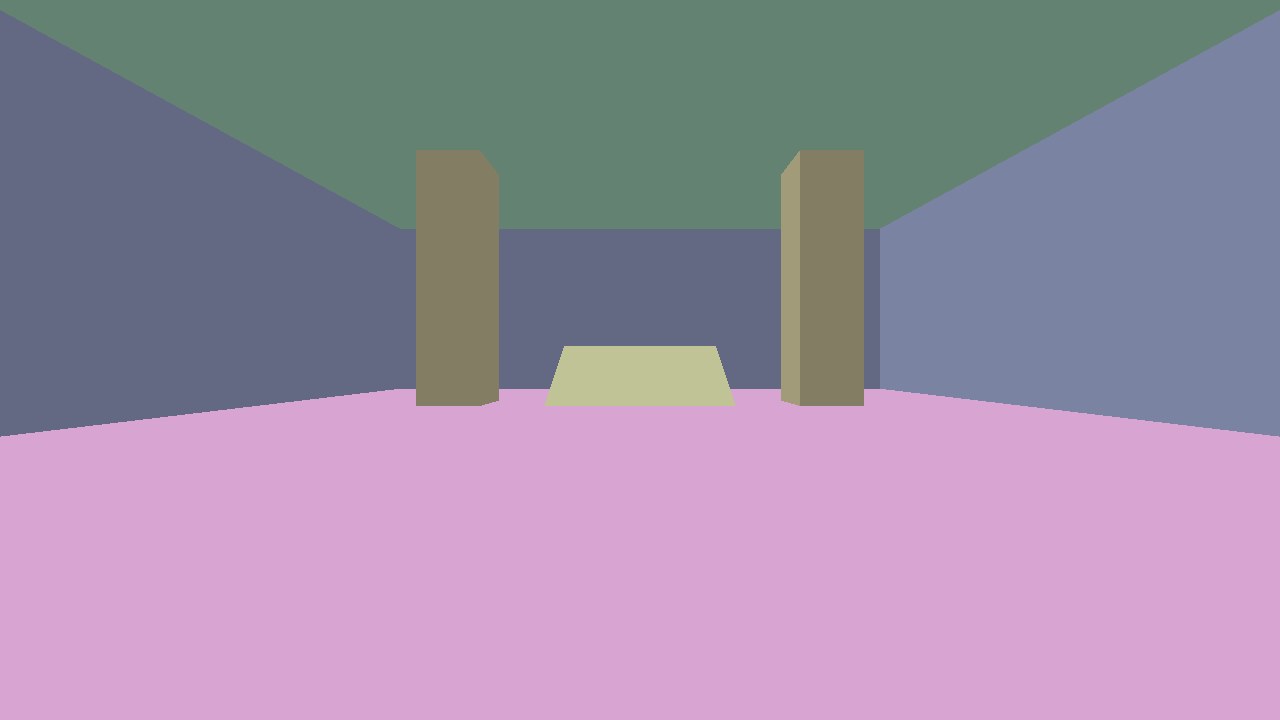
The first frame. One flat colour per texture name.
Levels load straight from TrenchBroom’s .map format, in both the classic and Valve 220 texture styles. A test room only proves so much, so I pulled in two real levels from LibreQuake. All 1,320 of their brushes build. They also settled which way the planes have to wind: flip it, and every brush in both maps falls apart.
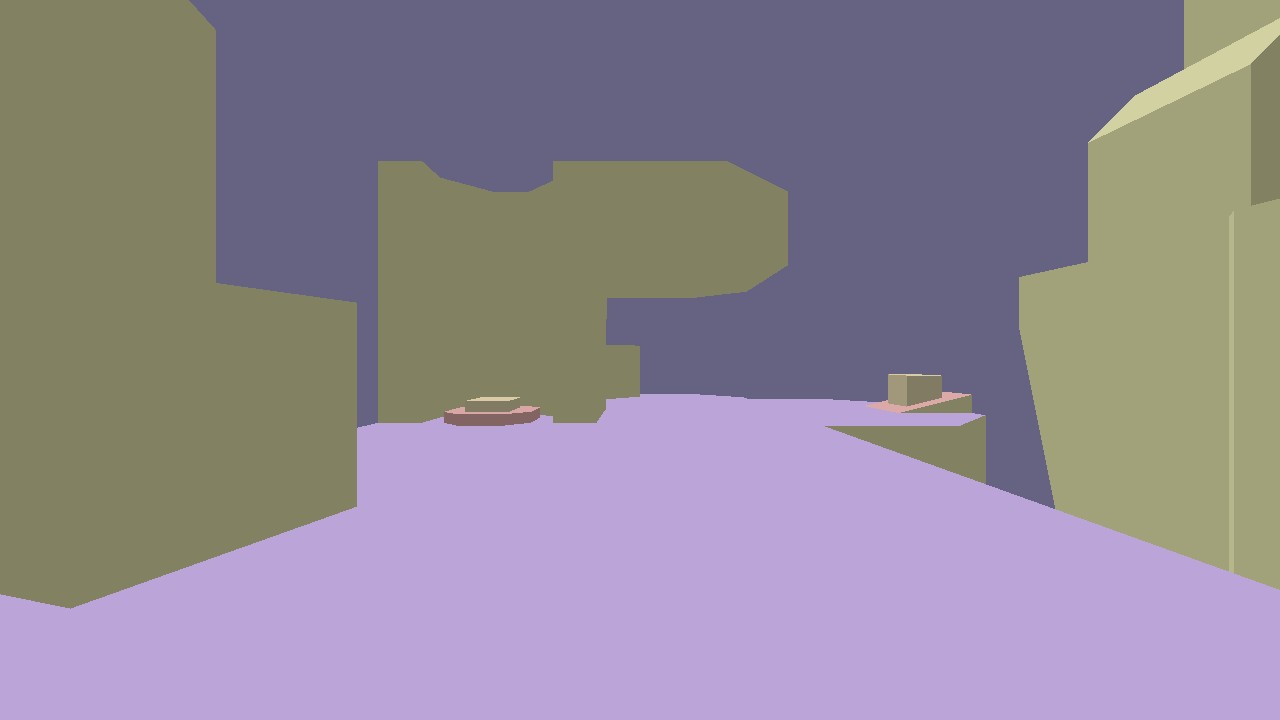
A real LibreQuake deathmatch map, flat-shaded on its first load.
Textures and the look
For textures, I wanted free and legal from day one, so the first set comes from LibreQuake too. It’s a project that recreates Quake’s assets from scratch under a BSD licence.
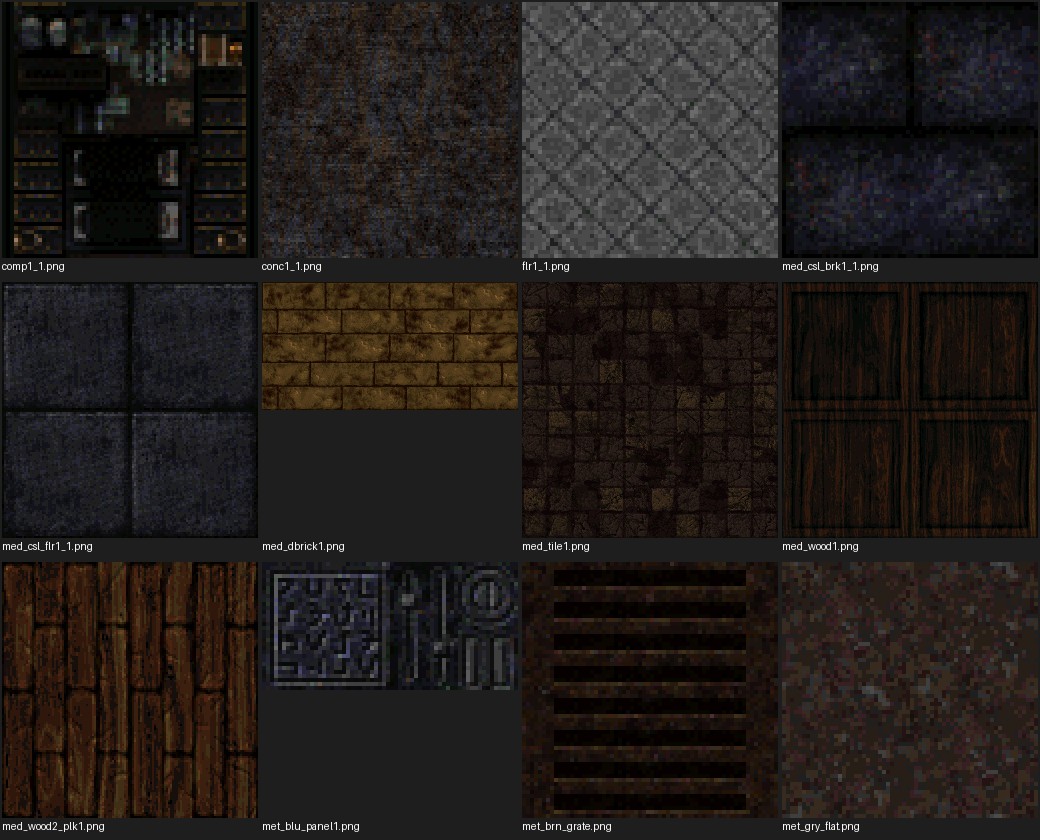
Twelve BSD-licensed textures from LibreQuake.
I also wanted a way to make my own. VolythEngine has a small tool that takes a free photo texture, shrinks it in linear light, and cuts it down to a small palette. At 64 pixels and 16 colours, brick mortar turns to mush. At 128 pixels and 32 colours, it keeps the pattern and still looks hand-pixelled.
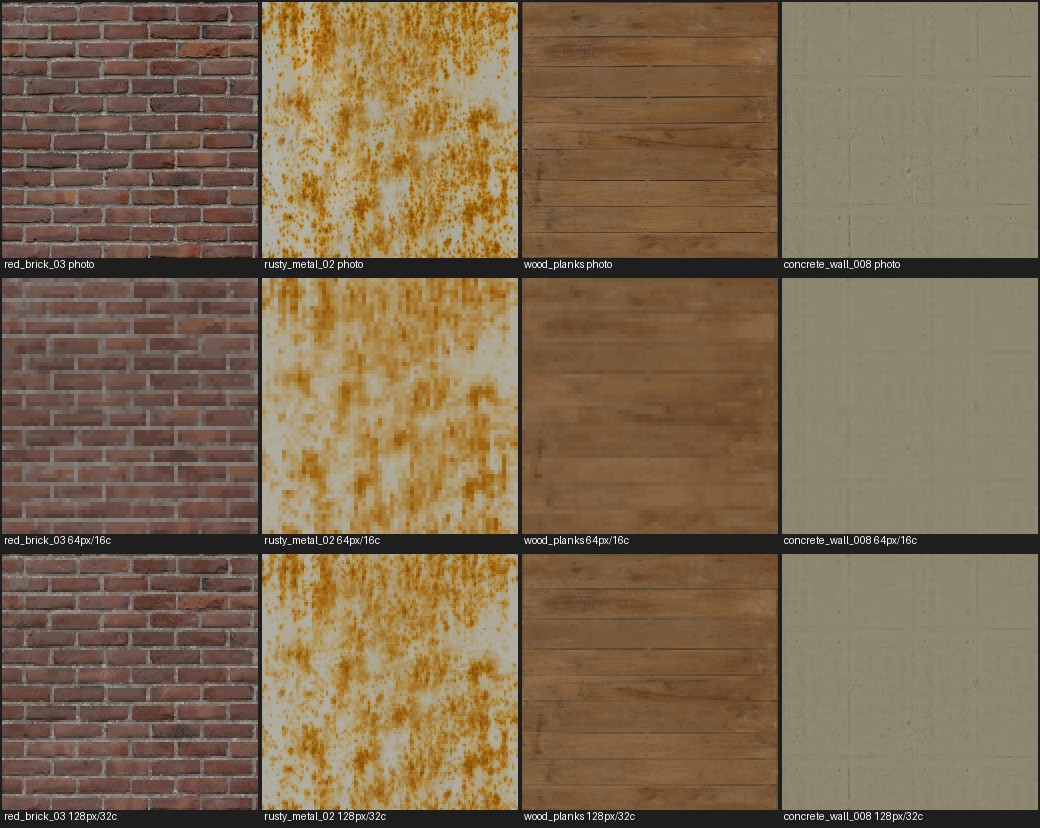
CC0 photos from Poly Haven, then 64px at 16 colours, then 128px at 32 colours.
The look itself is built in, not bolted on. The scene renders at 427 by 240 and scales up three times with exactly square pixels, and textures use nearest filtering so they stay crisp.
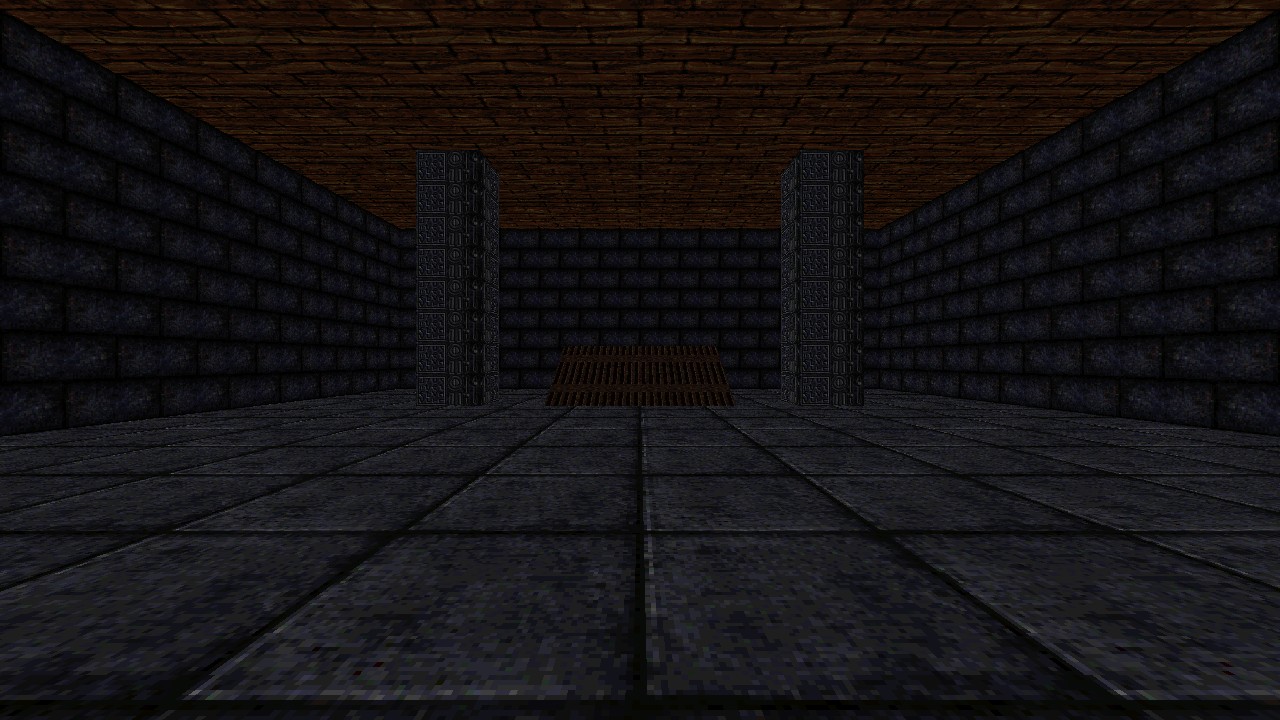
The test room textured, before any lighting.
Distant textures shimmered, so they got mipmaps. Proving the mipmaps worked needed a debug view that paints each level a flat colour.
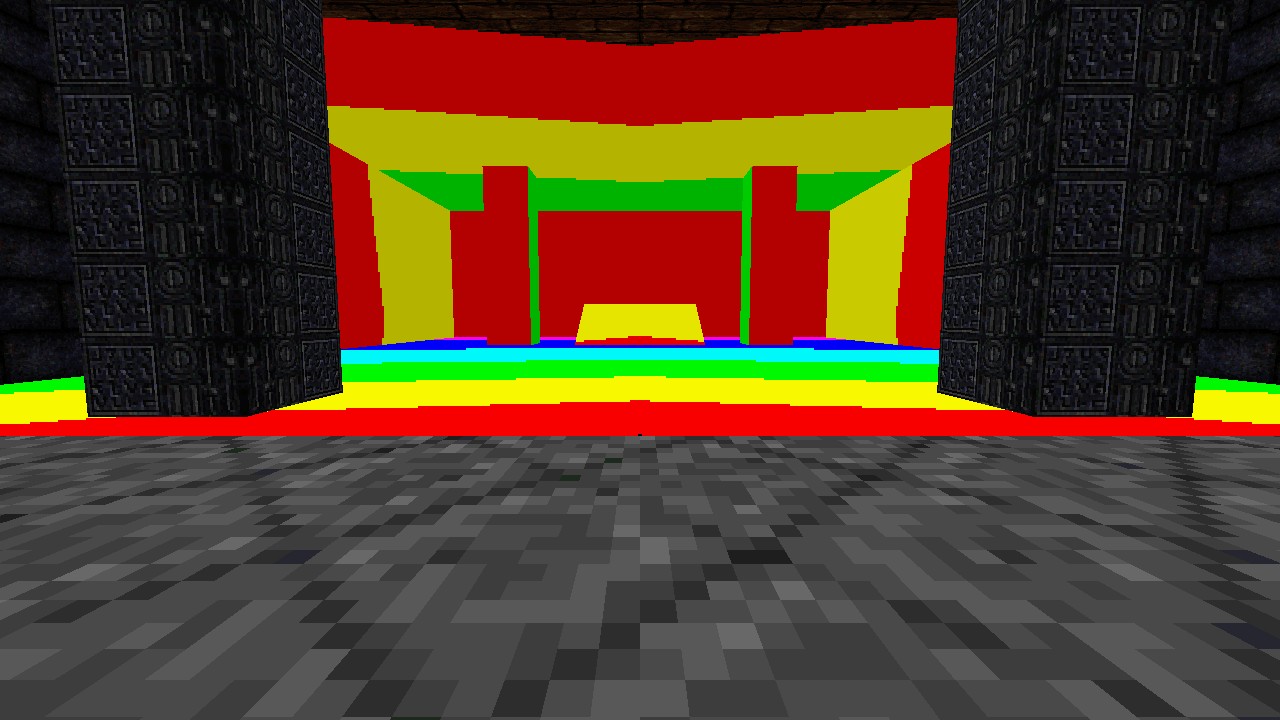
Mipmap debug view. Each band is one level, stepping away from the camera.
Lighting
Light is baked ahead of time into lightmaps, the way Quake did it. Every surface gets a grid of light samples, one every 16 units, and each sample traces rays to every light to see whether it’s in shadow. Point lights, spotlights with proper cones, sunlight through sky surfaces and soft light from the whole sky dome all work.
Spotlights were a good lesson. One of LibreQuake’s maps has dozens of them, and treating them as plain point lights flooded every floor. With real cones, the floor goes dark apart from the pools where the spotlights point.

One floor’s lightmap on its own. The two bright discs are spotlights pointing down.
Sunlight works differently. In Quake, the sky is just a texture, so the sun comes in through any surface painted with it. Each sample traces a ray towards the sun, and if that ray reaches a sky surface, the sample is lit. Soft sky light is the same trick from many directions spread across the whole sky, which is what stops outdoor shadows going pitch black.

Sunlight on one floor of a LibreQuake map, before sky light softened the shadows.
Baking is its own step. The result is saved to disk and tied to the exact map it came from, so the game only re-bakes when the level actually changes. Then the bake gets multiplied into the textures, and the room from earlier finally looks like a place.
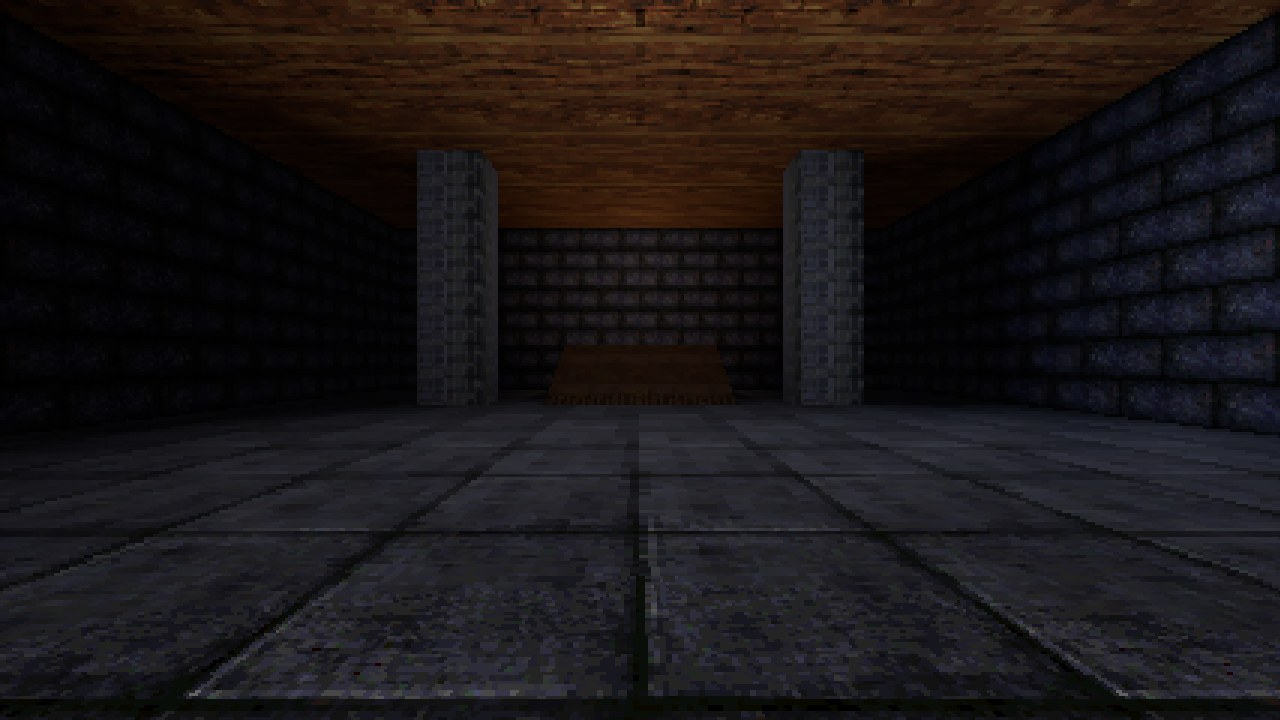
The same room with baked lighting.
Movement
Quake movement has a feel people recognise instantly, and it comes down to a few lines. Here’s air control:
/// Air control: like [`accelerate`], but the target speed along the wished
/// direction is capped at `air_speed_cap`, while the rate still scales with
/// the full wished speed. Turning while strafing in the air therefore keeps
/// adding a little speed, which is how strafe-jumping gains speed.
pub fn air_accelerate(
    velocity: Vec3,
    wish_dir: Vec3,
    wish_speed: f32,
    params: &MoveParams,
    dt: f32,
) -> Vec3 {
    let capped = wish_speed.min(params.air_speed_cap);
    let current = velocity.dot(wish_dir);
    let add = capped - current;
    if add <= 0.0 {
        return velocity;
    }
    velocity + wish_dir * (params.accelerate * wish_speed * dt).min(add)
}
That cap of 30 units a second, measured along the direction you’re pressing rather than your actual speed, is the whole secret of strafe-jumping. It’s written from the formulas, not from anyone’s source.
Collision is the other half. The player is a box, and every move sweeps that box through the level and stops it at the first brush it hits. Rather than testing a box against each brush, VolythEngine pushes every brush’s planes outwards by the size of the box, which turns the whole problem into tracing a single point. Hit a wall at an angle and you slide along it. Hit a ledge up to 18 units high and you step up onto it, which is why stairs just work.
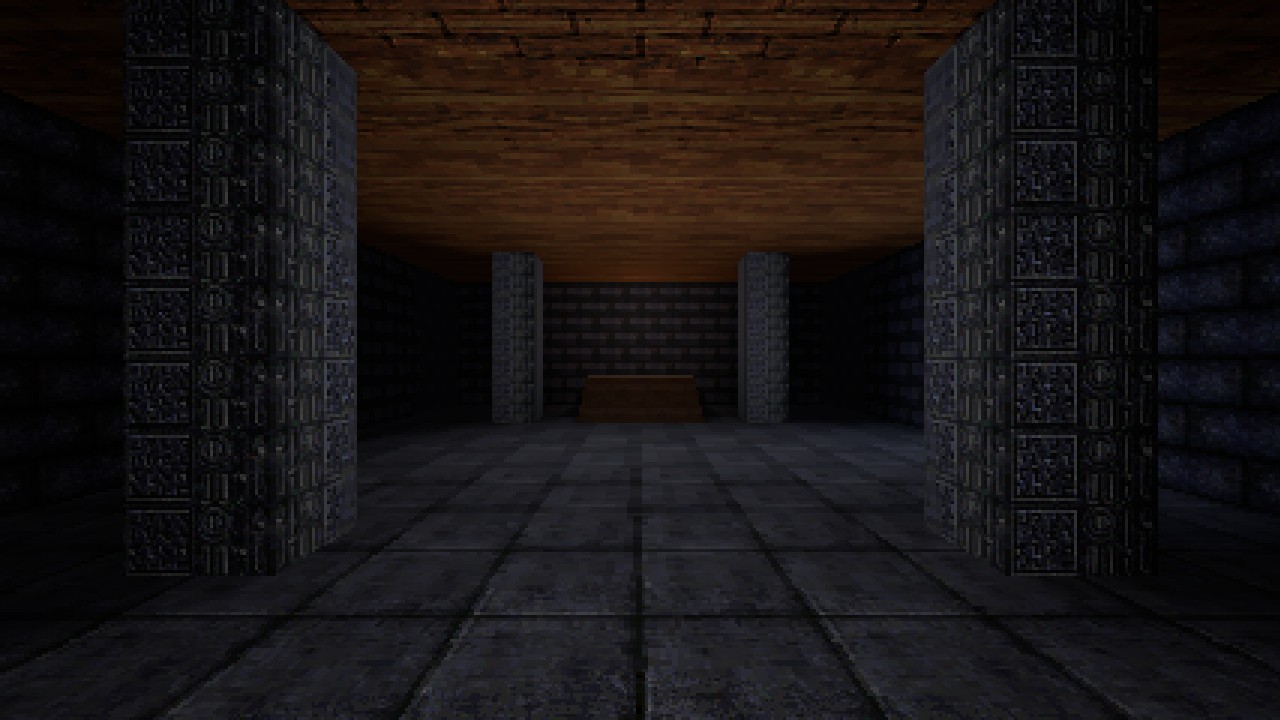
The test room from the top of the stairs, walked up in first person.
The editor
The editor is where the TrenchBroom and Godot halves of the idea come together, and it’s started. It opens a real level, shows it in a 3D viewport with a fly camera, and lists every entity and brush in a scene tree. Selecting something shows its properties in an inspector, where they can be edited, and every edit is recorded in a form that undo can reverse.
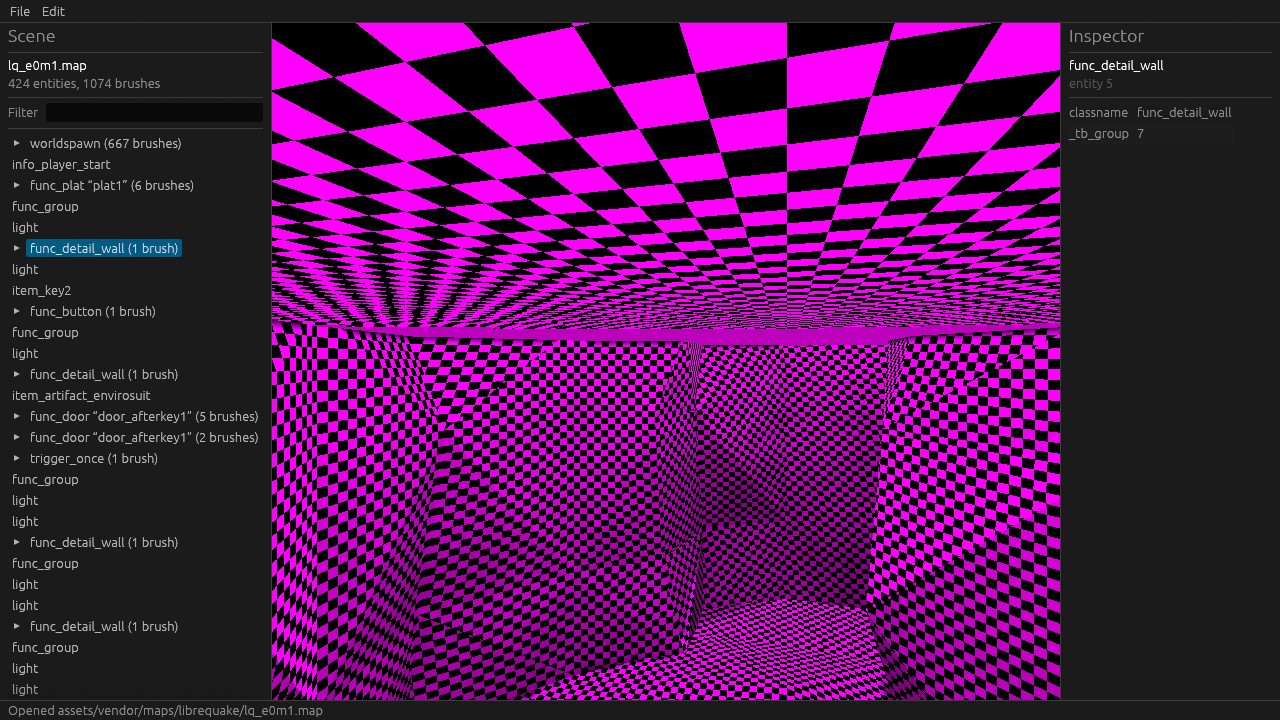
LibreQuake’s e0m1 in the editor: 424 entities and 1,074 brushes. The checkerboard means this map’s textures aren’t in the project yet.
What’s next
Next is saving maps back out and wiring up undo. Then brush editing: selecting, dragging, resizing, clipping and texturing, which is where the TrenchBroom half really lives. Then play-in-editor, where you hit a key and you’re standing in the level you were just building.
After that, the game. That’s still the point.